
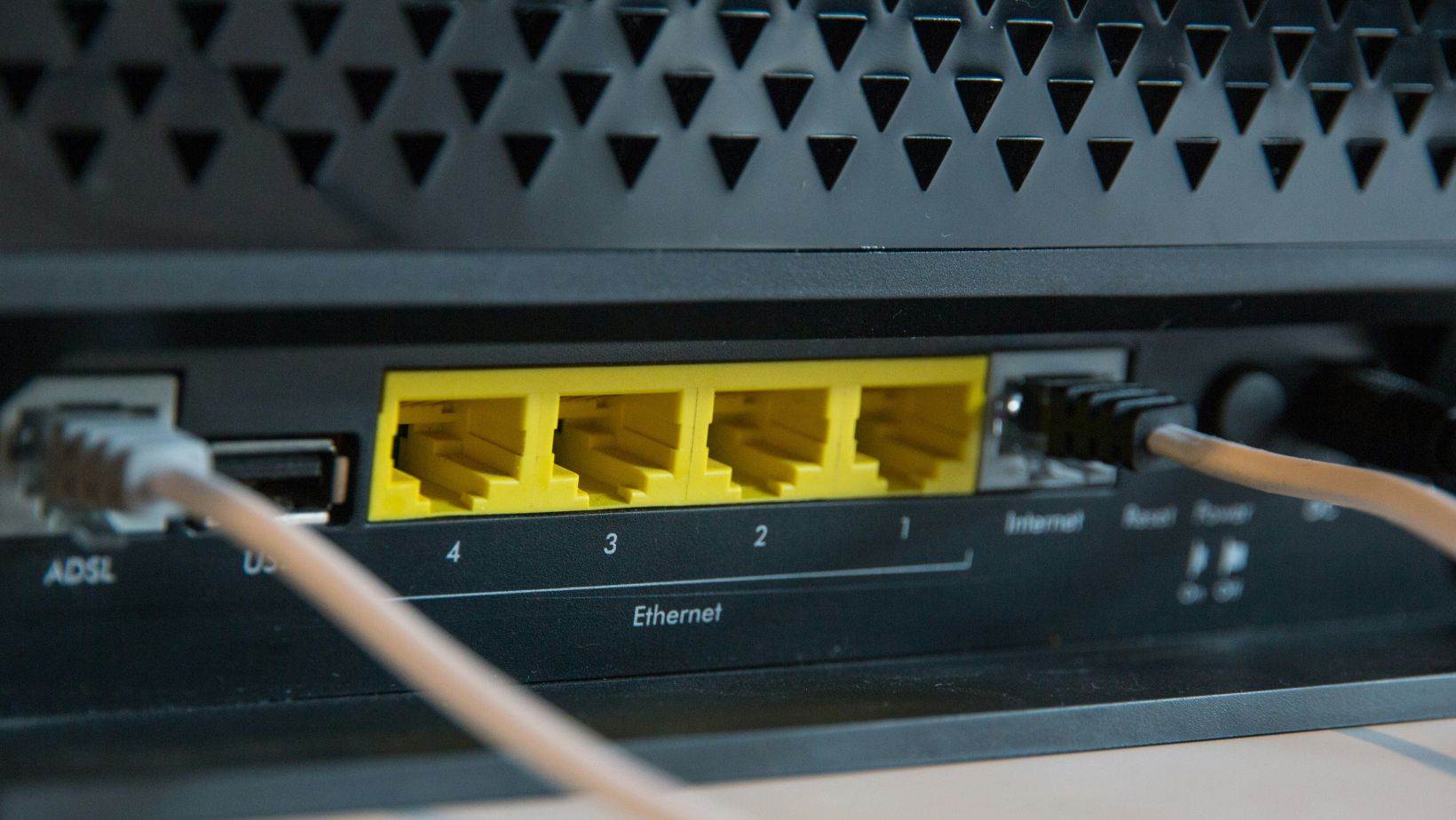
Your router probably came into this world with a name, a serial number, and a password it shares with half the routers on the planet, which is about as exclusive as a queue at Tesco on a Friday night. Those default passwords such as “admin,” “1234,” or something equally creative were meant to help you set the thing up, not to be your lifelong security strategy. They’re the digital version of training wheels, and most of us, apparently, never bother taking them off. And that’s the problem. The internet’s a brilliant, boundless place — open, fast, inviting — but openness without limits is basically an unlocked front door. IBM reports that a jaw-dropping 86% of people never change their router’s default password — which, as tech experts will tell you, is nothing short of madness. In other words, we wouldn’t leave our car keys in the ignition for strangers to borrow, so why do we leave our Wi-Fi wide open?
Why It’s Worth Fixing Something That Isn’t Broken
You might be thinking, “My Wi-Fi works perfectly — why fix what isn’t broken?” And fair enough, it does… but leaving a default password in place is a bit like leaving your front door slightly ajar — not careless, just easily anticipated. This is exactly where professional security awareness comes into play; a short chat with someone who knows the landscape can reveal simple, practical adjustments that make a world of difference. Changing your password, updating firmware, and adjusting access settings might feel minor, but when guided by expertise, these small moves quickly transform routine maintenance into protection. A little professional assistance goes a long way in helping you enjoy your connection without constantly worrying that someone else might be enjoying it too.
How to Make Your Router a Little Less Trusting
Changing your router password might sound techy, but it’s really just a five-minute favor to your future self. You open a browser, type in your router’s address (usually something that looks like 192.168 dot something), log in once, and swap out the old default for a password only you could guess.
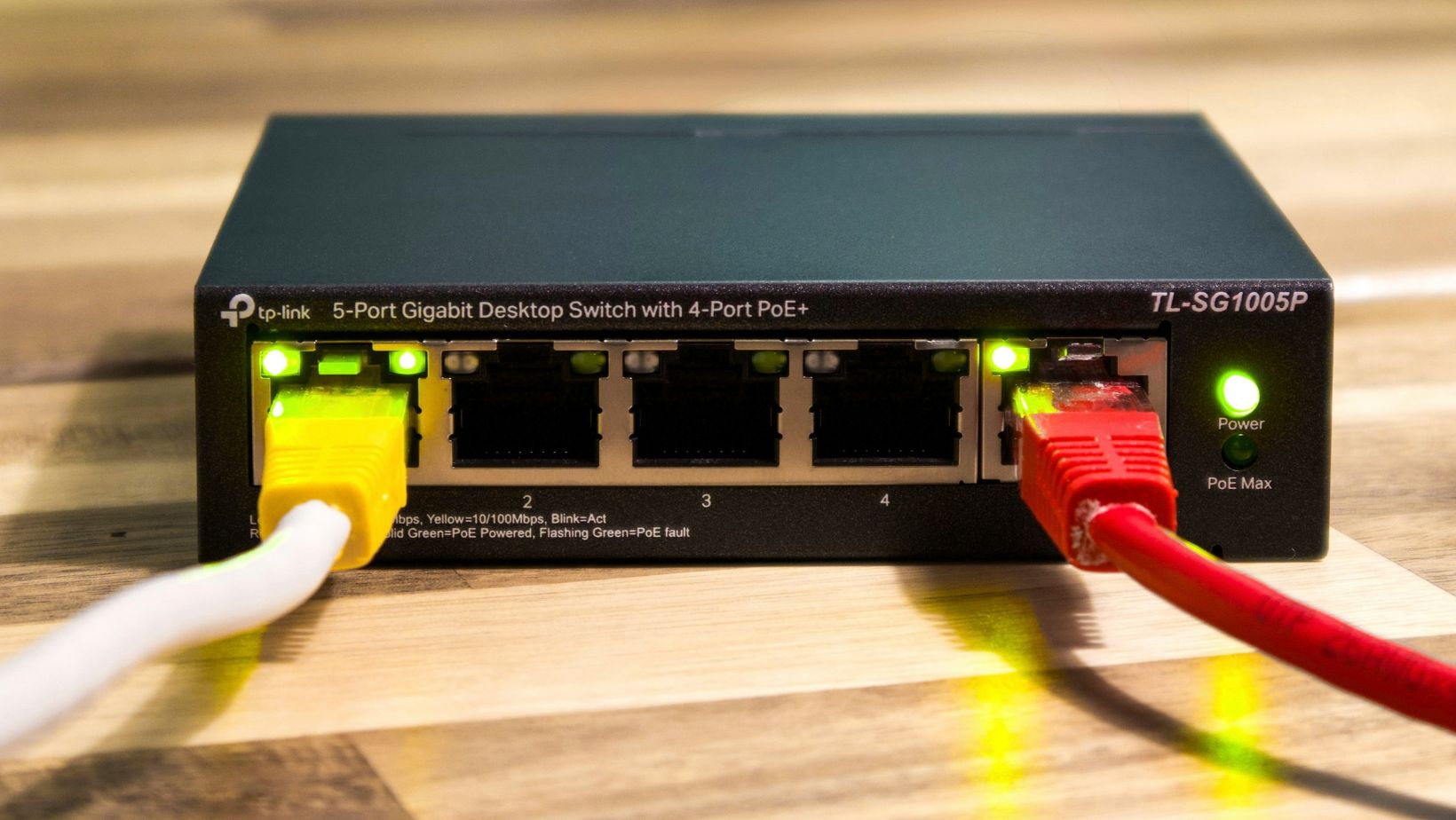
That’s it — no code, no complicated steps. While you’re in there, update your firmware too; routers, like people, perform better with a little maintenance. Turn off remote management if you don’t use it, and switch your Wi-Fi security to WPA3 if your device allows it. You won’t notice the change, but that’s the point.
A Few Extra Tricks to Keep Your Network Sharp
While changing your password and updating firmware are the heavy hitters, a few small extras go a long way. Consider using a password manager; it keeps your codes complex, unique, and impossible to guess. Enable two-factor authentication wherever possible, just to add an extra lock on top of your lock. Take a moment every now and then to review which devices are actually connected to your network; spotting the odd guest or forgotten gadget can save headaches later. And if your router allows it, separate your guest network from your main devices .These little nudges don’t take long, but they make your digital corner of the world significantly safer.
The internet is a brilliant, boundless place — some even call it a playground where possibilities stretch as far as your curiosity can reach. And yet, in all that freedom, there’s a difference between wandering with confidence and wandering with carelessness. But by taking a few moments to change passwords, update settings, and lean on a bit of professional security awareness, you’ve claimed your little patch of the digital world as your own.